Using the Studio
Studio Hours: Monday-Friday: 9 a.m.-8:30 p.m.; Saturday: 9 a.m.-4:30 p.m.; Sunday: noon-5:30 p.m.
How to Reserve a Studio Room: Reserve a Studio room up to one week in advance in-person at the Tech Learning Center, online or call the library at 847-392-0100. Sessions are for up to two hours per day. Studio room use is subject to these guidelines.
Project Ideas: Include recording music, voiceover or a podcast; editing videos or practicing photography; designing a logo or business cards; and digitizing home movies, photos, cassettes and vinyl records.
Studio B
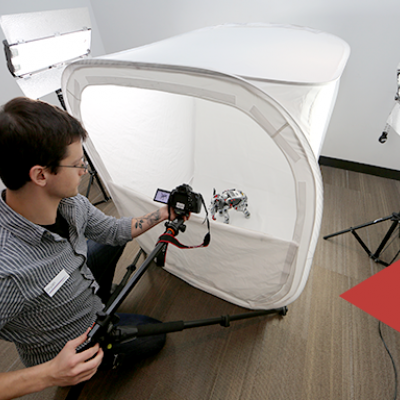
This room provides a green screen and tools for basic photography and video projects.
Studio Production
This room provides a sound booth, green screen, drums, keyboard and recording equipment for audio and video.
Studio Entry
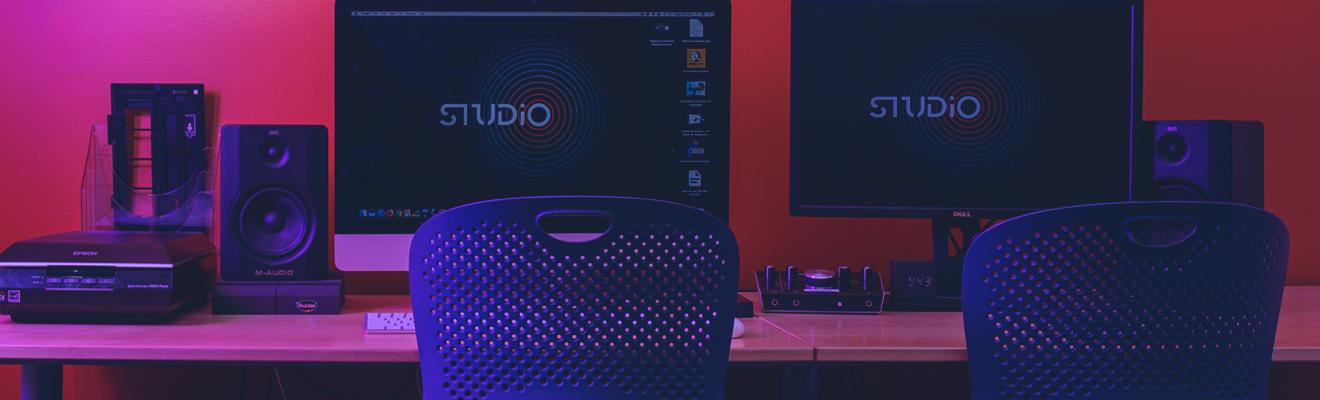
This space is used as a workstation for digital content creation, post-production editing and digitization.
Studio On-the-Go
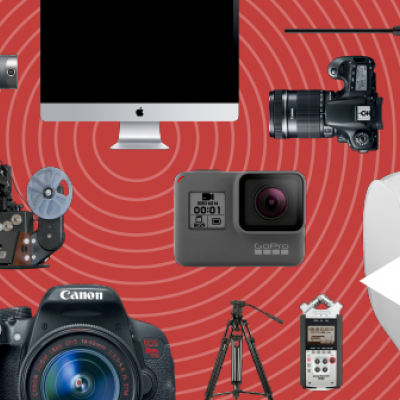
Bring the Studio home with you! Whether it’s a GoPro to record a video or a microphone to start a podcast, the Studio’s got you covered. For Arlington Heights cardholders only.
Frequently Asked Questions
Who can use the Studio?
The Studio is open to Arlington Heights cardholders, library cardholders from other Illinois libraries and students from the following schools with student ID:
- The Academy at Forest View
- Buffalo Grove High School
- Christian Liberty Academy
- International Newcomer Academy
- John Hersey High School
- Rolling Meadows High School
- South Middle School
- St. Viator High School
- Thomas Middle School
- Vanguard School
Students under the age of 12 must have a parent or guardian present with them.
Can I bring my friends?
Small groups are welcome in the Studio, but the cardholder who checked out the Studio must remain present the entire time.
Studios A, B and C hold a maximum of four people. Studio Entry holds a maximum of two people. Studio Production holds six at most.
Is there a fee to use the Studio?
There is no fee to use the Studio. Customers may purchase flash drives, CDs or DVDs at the Checkout Desk. Customers with more than $10 in fees on their account must pay their balance before using the Studio.
Can I bring my own equipment?
You may plug in your own storage device (such as a flash drive or external hard drive) or connect a camera to the library’s video conversion equipment. Otherwise, personal devices may not be connected to Studio computers.
Please do not rearrange or unplug cables. The Studio equipment is a custom setup, and changing connections may affect performance for the next users. It’s important to leave the setup as-is.
You are welcome to bring your own laptop or device to work on while video rendering or conversion is in progress on our computers.
Can I have food or drink with me?
The Studio is a food and drink-free environment
Can I install my own software?
For security reasons, you may not install your own software on Studio computers.
Can I save my files on the computer?
You are responsible for saving your files to your own device. We do have flash drives and DVDs for sale, as well as flash drives and external hard drives for checkout. Before you leave the Studio, you must restart the computer, which will erase all your files before the next use.
How long does it take to convert analog/video to a digital format?
Conversion happens in real time, meaning a two-hour VHS tape will take two hours to convert, and a 20-minute LP will take 20 minutes to convert. Additional time is required for burning to CDs or DVDs, as well as editing and rendering video if you choose.